Digital games and experiences

The play continues on screen.

Explore your cube in 3D, manipulate it in the Puzzle or follow the Solver’s steps. From the catalogue or your cube’s QR code, find the experiences offered for your model and choose how to play.

Choose another creation

From cube to screen

Scan your cube’s QR code with your phone’s camera or open its catalogue page. Keep the same creation as you move between experiences; the tools offered depend on the model.

Demonstration: LE PETIT PRINCE ESCAPE CUBE · PC3

The experiences offered vary by creation and model. Camera recognition of cube faces is not available here.
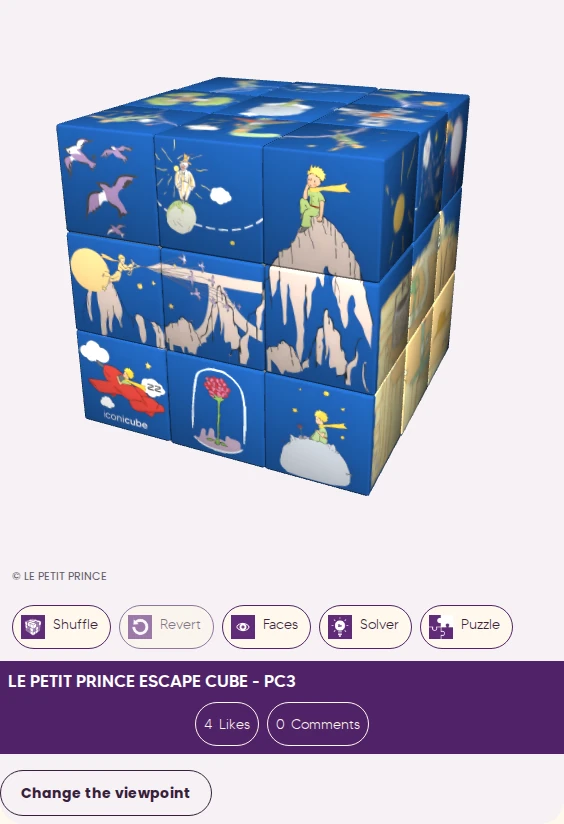
Screenshot of the KUBIKO viewer showing ESCAPE CUBE, PC3 model.
KUBIKO interface · ESCAPE CUBE · PC3

Explore in 3D

Open the creation’s page and activate 3D to turn it and explore its faces.

Explore this creation
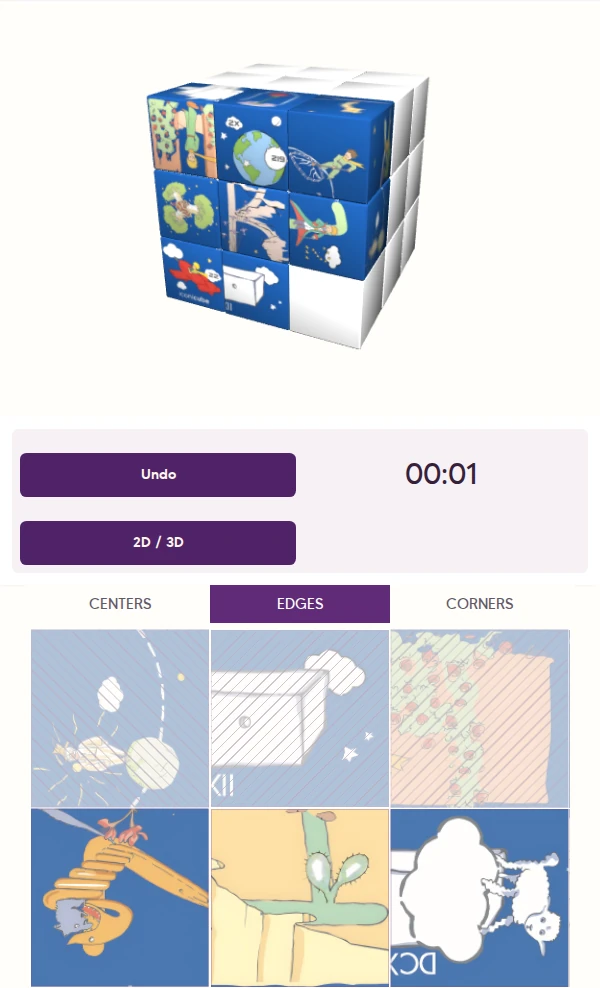
Screenshot of the KUBIKO Puzzle with eight pieces placed and partially reconstructed images.
KUBIKO interface · ESCAPE CUBE · PC3

Play the Puzzle

Select a square, choose its piece and rebuild the images. You can undo a move.

Open the Puzzle
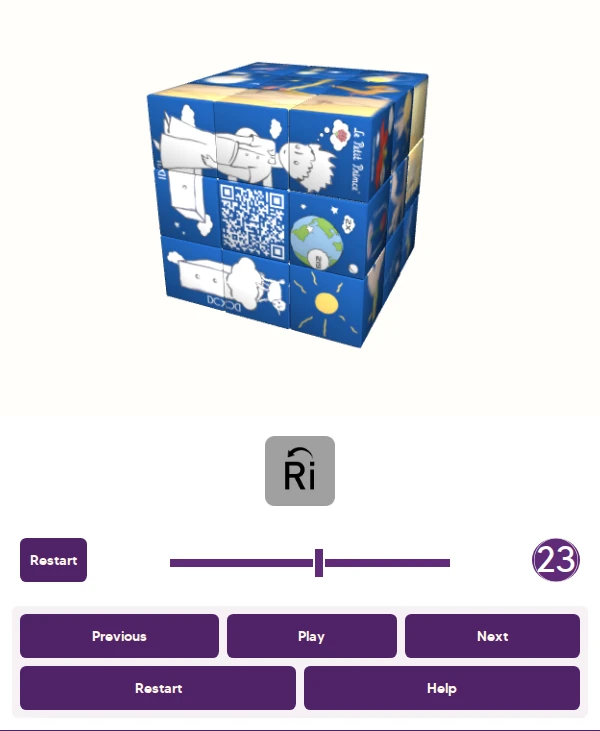
Screenshot of the KUBIKO Solver with a scrambled cube and its solution sequence.
KUBIKO interface · ESCAPE CUBE · PC3

Solve step by step

Reproduce your cube’s state, then follow the suggested moves at your own pace, with play and pause.

Open the Solver